
Widget Events
When the recommendation process is complete, or when a product size is suggested to the user, the widget emits events that can be used to track the user’s journey. Listening to these events allows you to execute custom actions.
Events
ftlWidgetEnd
This event is triggered when the user clicks the “Back to shopping” button at the end of the widget process.
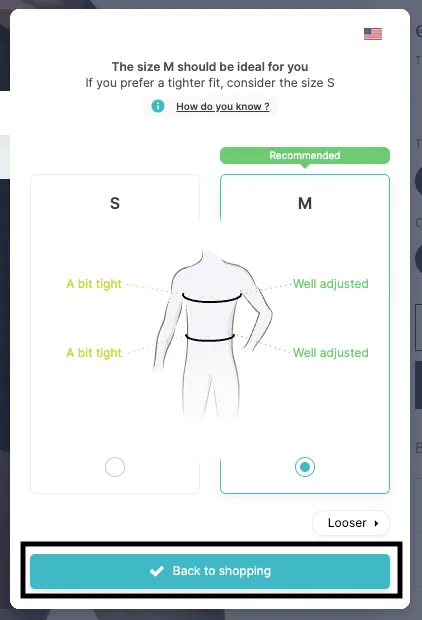
This event provides the following details:
| Property | Type | Description |
|---|---|---|
instanceId | string | Identifier of the widget instance that emitted the event. |
productId | string | The product’s identifier. |
recommendedSize | string | The recommended size. |
reason | string | Why the widget ended (e.g. close). |
When several widgets are rendered on the same page, use instanceId to tell them apart. In the theme app extension, place each Fitle block inside the matching product’s form so that size selection and add-to-cart target the correct form.
Here is an example of how to listen for this event:
document.addEventListener('ftlWidgetEnd', function (event) { // Your custom code goes here ... const instanceId = event.detail.instanceId; const productId = event.detail.productId; const size = event.detail.recommendedSize;});ftlAutoRecommendation
This event is triggered when the widget recommends a size.
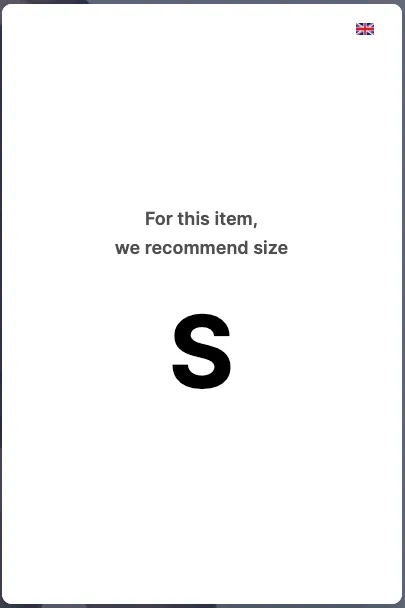
It is also triggered when the user lands on a product that can receive a recommendation based on the user’s previously provided information.
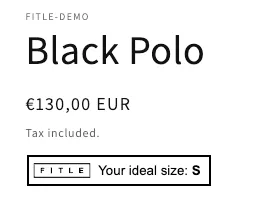
This event provides the same details:
| Property | Type | Description |
|---|---|---|
instanceId | string | Identifier of the widget instance that emitted the event. |
productId | string | The product’s identifier. |
recommendedSize | string | The recommended size. |
Here is an example of how to listen for this event:
document.addEventListener('ftlAutoRecommendation', function (event) { // Your custom code goes here ... const instanceId = event.detail.instanceId; const productId = event.detail.productId; const size = event.detail.recommendedSize;});